✨ New Arrivals Just Dropped!Explore

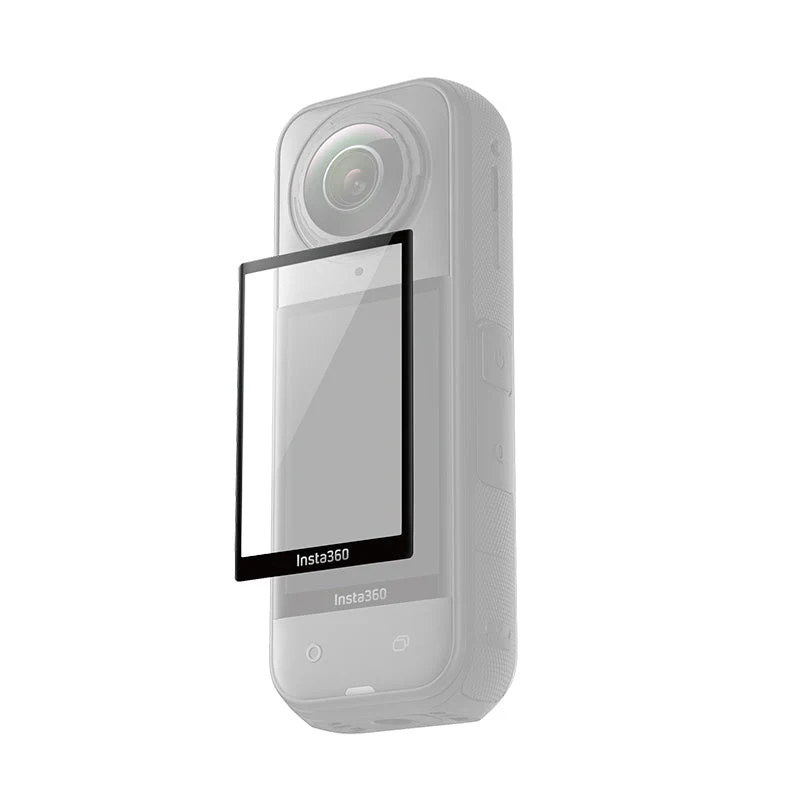
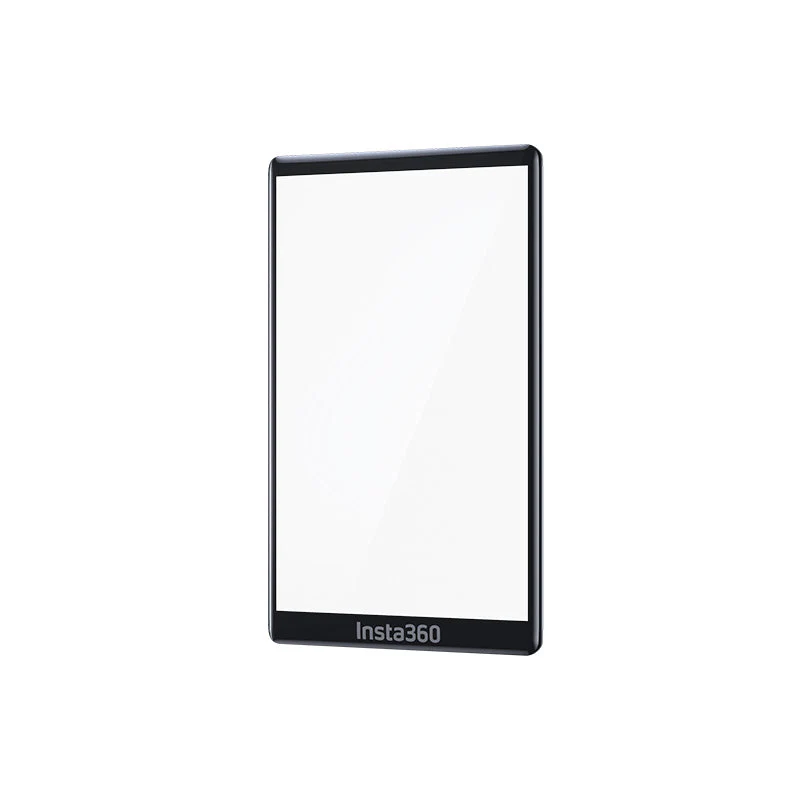
Insta360 X5 Premium Lens Guards


Notes
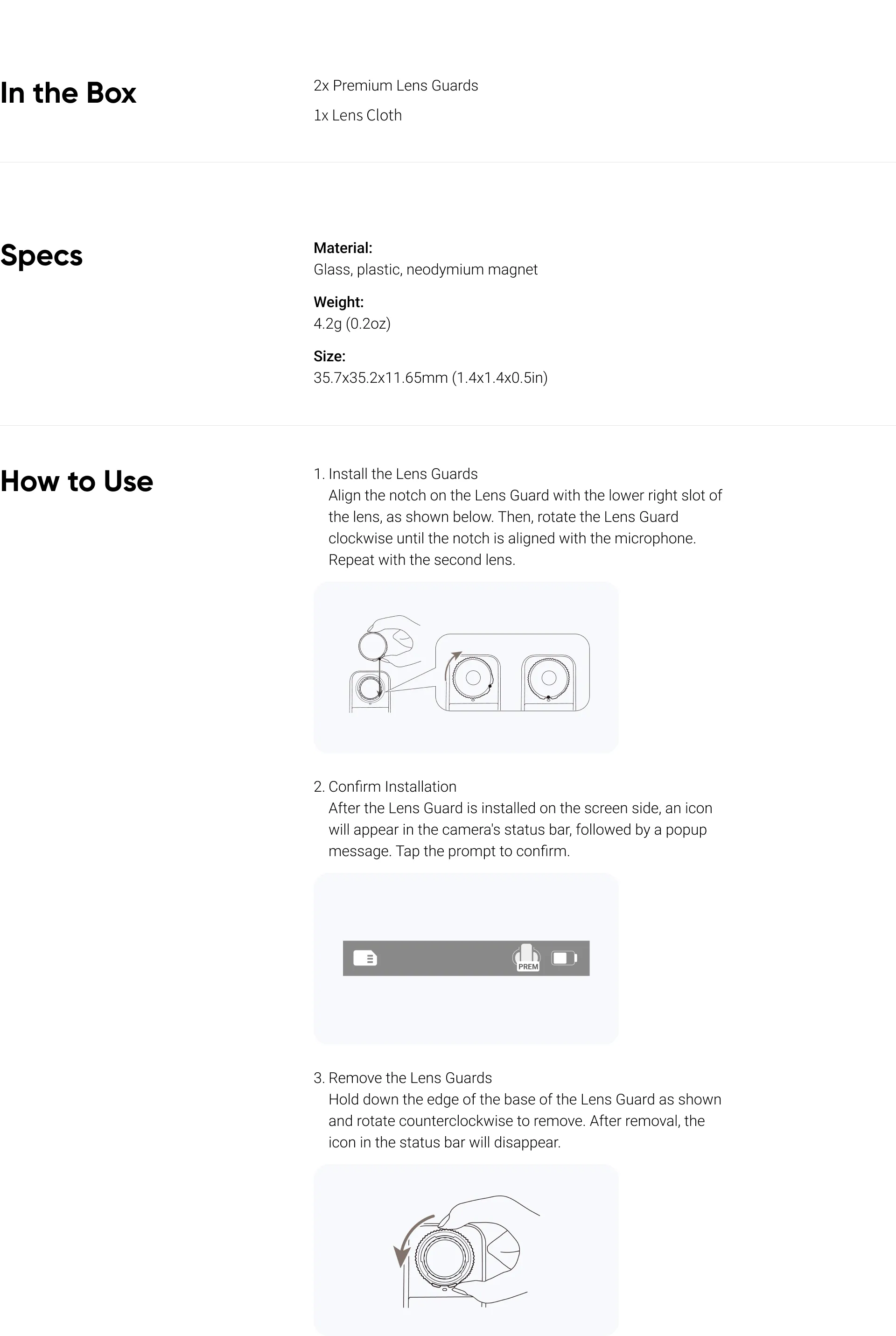
- Do not apply too much pressure when installing or removing a Lens Guard, as this may damage or change the shape of the base.
- Ensure both Lens Guards are securely installed before using the camera. The notch of each Lens Guard must be aligned with the camera's microphone. If the notch isn't aligned, the camera will not be able to recognize the Lens Guard.
- Only once the screen-side Lens Guard is installed will the icon display on the camera's status bar and the popup message appear.
- If you install the Lens Guards while the camera is recording, saving, updating or formatting, the camera will display the status icon but not the prompt.
- The Lens Guards may slightly affect the camera's stitching ability. To get the best results, point one lens at your subject.
- Dirty or worn Lens Guards may affect overall image quality.
- Avoid using the Lens Guards in wet conditions as their seal is not waterproof.
- If the Lens Guards do get wet, dry each lens thoroughly with a soft cloth to avoid fogging.
- The Lens Guards contain magnets. Keep them away from pacemakers and other devices affected by magnetic interference.
Product Information
Product Information
Shipping & Returns
Shipping & Returns

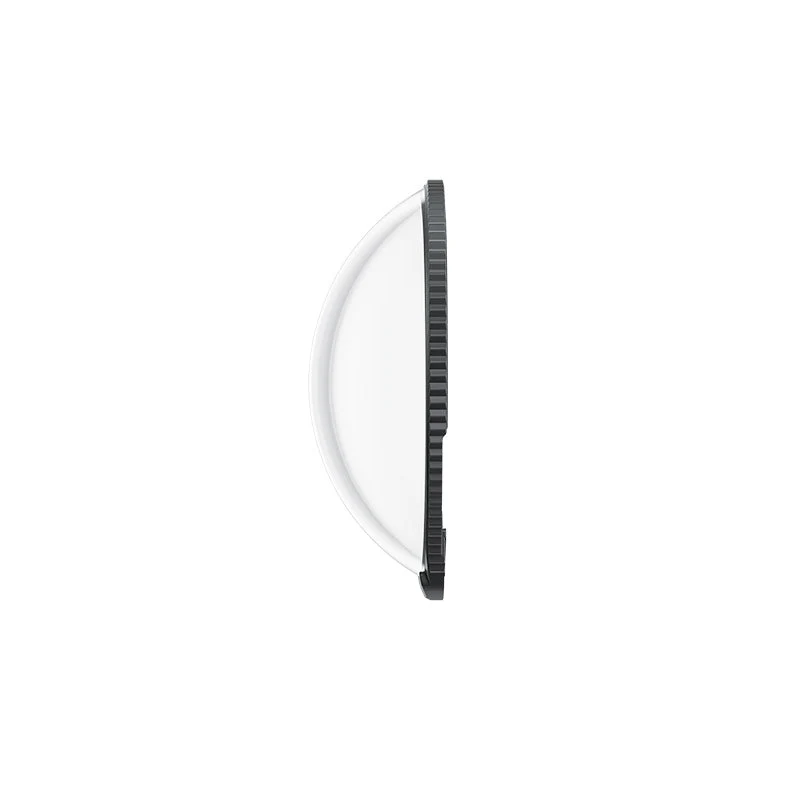
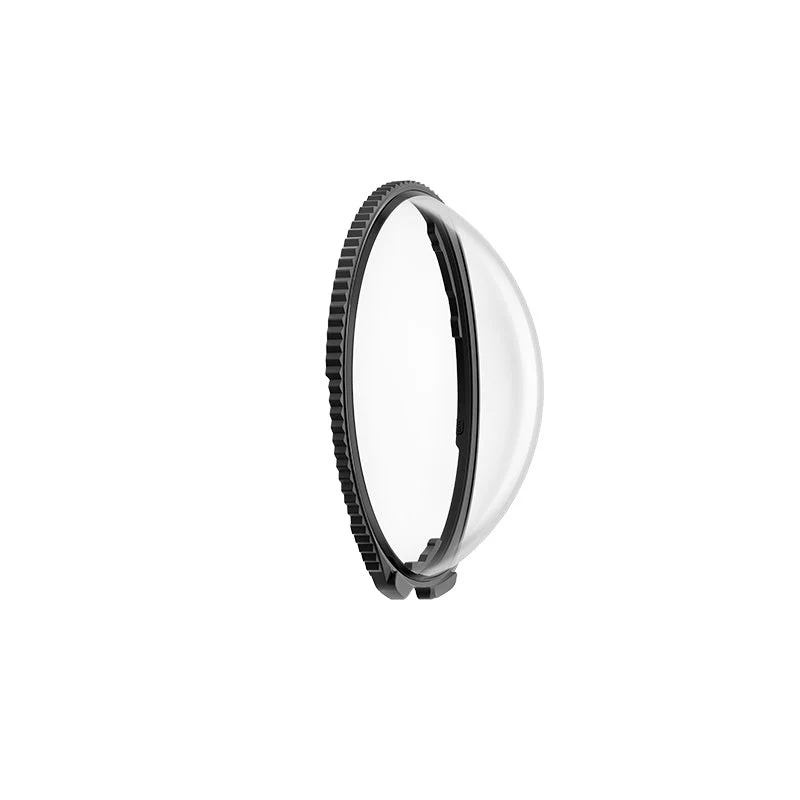
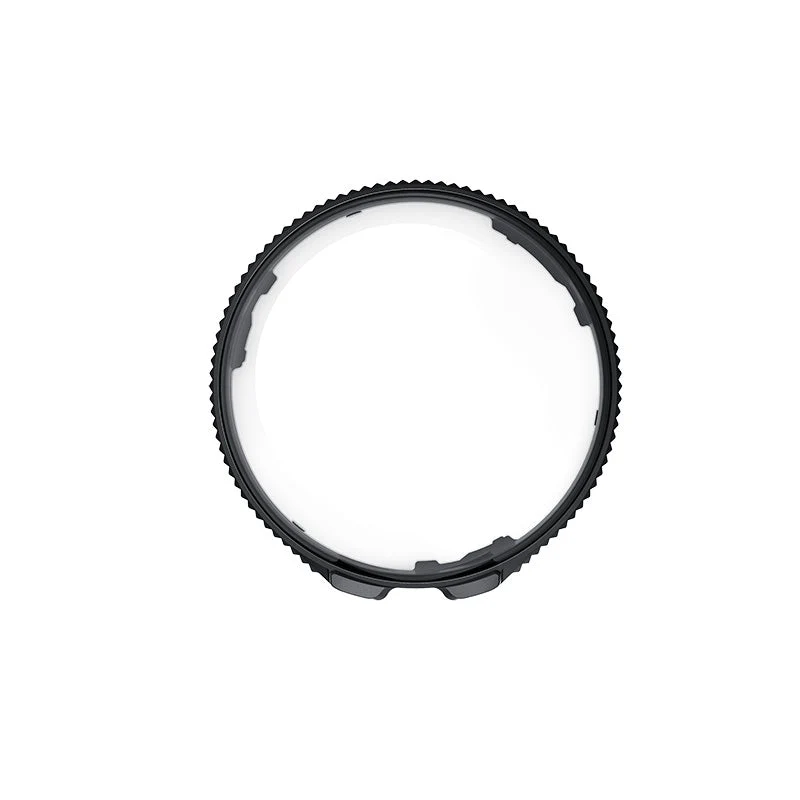
Insta360 X5 Premium Lens Guards
Insta360 X5 Premium Lens Guards
Notes
- Do not apply too much pressure when installing or removing a Lens Guard, as this may damage or change the shape of the base.
- Ensure both Lens Guards are securely installed before using the camera. The notch of each Lens Guard must be aligned with the camera's microphone. If the notch isn't aligned, the camera will not be able to recognize the Lens Guard.
- Only once the screen-side Lens Guard is installed will the icon display on the camera's status bar and the popup message appear.
- If you install the Lens Guards while the camera is recording, saving, updating or formatting, the camera will display the status icon but not the prompt.
- The Lens Guards may slightly affect the camera's stitching ability. To get the best results, point one lens at your subject.
- Dirty or worn Lens Guards may affect overall image quality.
- Avoid using the Lens Guards in wet conditions as their seal is not waterproof.
- If the Lens Guards do get wet, dry each lens thoroughly with a soft cloth to avoid fogging.
- The Lens Guards contain magnets. Keep them away from pacemakers and other devices affected by magnetic interference.
$12.44
Original: $41.45
-70%Insta360 X5 Premium Lens Guards—
$41.45
$12.44Product Information
Product Information
Shipping & Returns
Shipping & Returns
Description
Notes
- Do not apply too much pressure when installing or removing a Lens Guard, as this may damage or change the shape of the base.
- Ensure both Lens Guards are securely installed before using the camera. The notch of each Lens Guard must be aligned with the camera's microphone. If the notch isn't aligned, the camera will not be able to recognize the Lens Guard.
- Only once the screen-side Lens Guard is installed will the icon display on the camera's status bar and the popup message appear.
- If you install the Lens Guards while the camera is recording, saving, updating or formatting, the camera will display the status icon but not the prompt.
- The Lens Guards may slightly affect the camera's stitching ability. To get the best results, point one lens at your subject.
- Dirty or worn Lens Guards may affect overall image quality.
- Avoid using the Lens Guards in wet conditions as their seal is not waterproof.
- If the Lens Guards do get wet, dry each lens thoroughly with a soft cloth to avoid fogging.
- The Lens Guards contain magnets. Keep them away from pacemakers and other devices affected by magnetic interference.